
How to Edit AI Onboarding Emails for Clear Next Steps
For user onboarding, product teams improve AI-drafted onboarding emails by matching each message to the user's current stage, naming one next action, and removing competing instructions. Fluent copy can still leave a new user uncertain about where to click or what completion looks like.
The useful editorial standard is task clarity: the recipient should understand the action, its purpose, and what happens afterward. That judgment starts with what the user has already done.
Key Takeaways
Each message should address one unfinished step, with a primary CTA that names the action.
Product events should control reminders and exits, while declared roles determine which instructions appear.
Human review should cover product accuracy, privacy, accessibility, and completed actions, rather than judging copy by polish alone.
Start with the user's stage, not the AI draft
An editor needs an accurate account of the user's progress before revising the wording. Otherwise, a polished message can recommend a task that is irrelevant or already complete.
Separate the welcome from the activation milestone
In customer onboarding, onboarding emails are automated messages sent after signup to help users complete the first action that makes a product useful. A welcome email can confirm signup, while the first useful product action marks progress beyond account creation. That welcome email usually opens the wider sequence of follow-ups. Mailchimp's explanation of automated email sequences describes the broader lifecycle approach.
However, account creation isn't necessarily activation. A first useful action, often called the product's "aha moment," should be defined through a concrete product event. In Loom, recording a first video is a concrete product action. In Asana, creating a project and adding tasks are distinct steps. Each email needs a defined milestone before the editor can judge whether its instructions belong.
Give the draft a factual brief
The editing brief should identify the audience, completed steps, remaining task, relevant permissions, and destination screen. It should also separate approved product facts from claims the model supplied.
For an invited teammate, workspace administration instructions may be irrelevant. An administrator, meanwhile, may need setup guidance before collaboration becomes possible. The same principles for editing AI email drafts apply: relationship context and ownership should determine the message, rather than generic enthusiasm.
Edit onboarding emails around one primary action
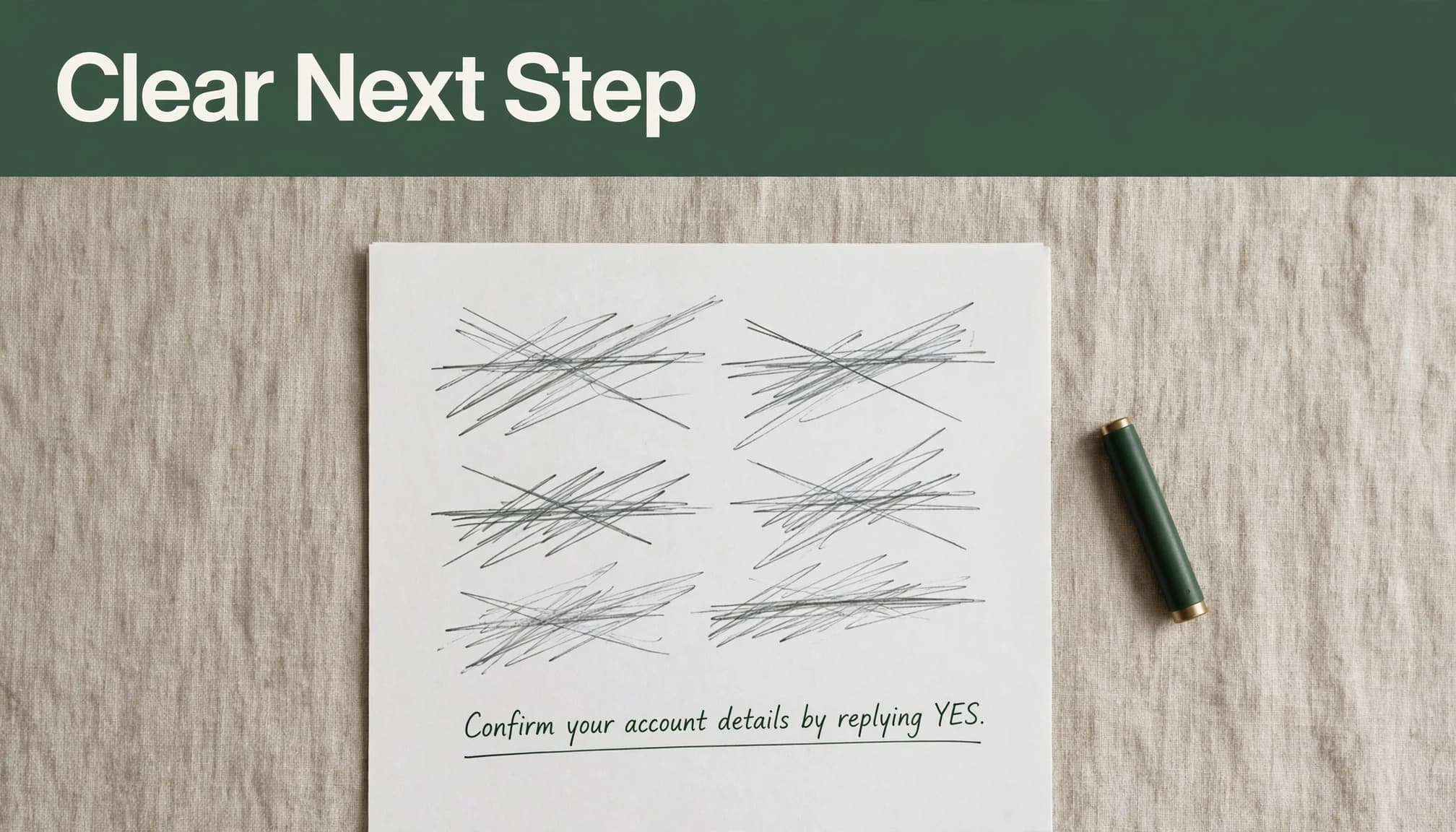
The main edit often involves deleting instructions. These onboarding email examples show how to edit AI-generated email templates as starting points, not copy that suits every user. AI drafts tend to combine welcome language, feature education, setup tasks, and social invitations in one message.
Replace broad language with a concrete task
Phrases such as "get started" and "explore the possibilities" don't identify work the user can complete. An effective revision names the task and explains its immediate purpose.
Before: "Welcome aboard! Explore the features, complete your profile, and invite your team to make the most of the platform."
After: "Create a project in Asana to keep related tasks together. Start with a blank project." Primary CTA: "Create a project."
The revision removes competing requests. Profile completion and invitations can appear later if they help the user's progress. It also avoids claiming that every available feature matters immediately.
Make the CTA match its destination
One email should have one primary CTA. Its label should describe the destination or task, and its link should open the relevant product screen wherever possible.
Before: "Discover how video can transform communication. Learn more."
After: "Record a video in Loom to explain the task without scheduling a meeting." Primary CTA: "Record a video."
A recording instruction shouldn't lead to a general feature page. Likewise, an invitation reminder shouldn't send someone to an empty dashboard.
Support, unsubscribe, and legal links can remain, but they shouldn't compete visually with the main action. A reply option can address a blocker without creating another prominent button.
Connect each email to a behavior-based sequence
An onboarding sequence should make each next message depend on whether the previous task happened. Behavior-triggered emails respond to task completion or non-completion, not elapsed time alone.
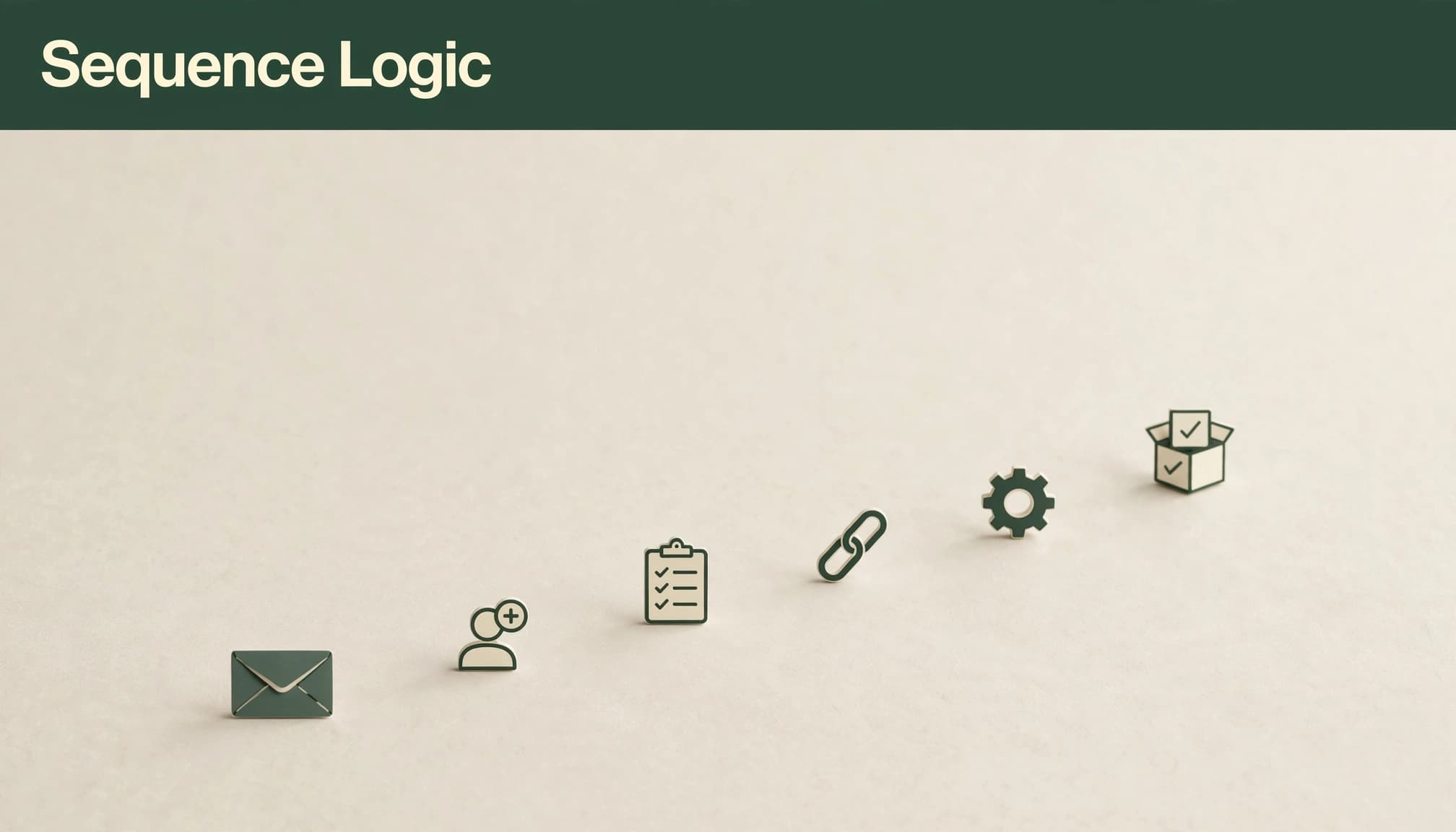
Loops proposes the following starting schedule for onboarding emails.
Timing | Purpose | Editing focus |
|---|---|---|
Day 0 | Welcome | Name the first useful action. |
Day 1 | First task | Address the unfinished step. |
Day 3 | Remove a blocker | Explain a likely obstacle and its fix. |
Day 7 | Next task | Build on completed work. |
Day 14 | Use case | Connect a feature to relevant work. |
Day 21+ | Re-engage or wrap up | Offer a final useful route forward. |
These are candidate send dates, not instructions to deliver every message. A completed task should suppress its reminder. Activated users should leave the initial activation workflow.
Each draft also needs a handoff. The Day 1 email shouldn't repeat the welcome message, while the Day 7 email shouldn't assume setup succeeded without a supporting event.
Userpilot's Day 6 to 7 approach separates disengaged users, who receive re-engagement, from active users, who receive a case study. Because their progress differs, those audiences need different next steps rather than a shared motivational message.
Branch by role and stop completed-step reminders
Role-based copy needs matching automation logic. Changing the greeting doesn't fix instructions sent to the wrong person.
Route admins, teammates, and individual users
Use segmentation based on a declared role or reliable account property. Administrators can receive workspace-setup instructions; invited teammates can receive invitation and collaboration guidance; individual users can receive a personal-workflow path.
A clear routing order makes the logic inspectable: evaluate role = admin, then role = invited_teammate, then role = individual.
Contacts without a recognized role need a default path with an empty filter, so no additional condition excludes them. That message should use permission-neutral language or ask them to identify their intended use.
Sensitive attributes and guessed personal circumstances don't belong in personalization inputs. Declared product context is a stronger basis for useful copy.
Exit at activation, then change the message
Workflow automation should check activation state and contact eligibility before each send. Store the activation state as a contact property such as activated = true, then apply an audience filter that excludes activated contacts.
Step-specific reminders also need their own completion conditions. A project-creation reminder belongs only to users who haven't created a project, even if their broader activation milestone remains unfinished.
A reminder can have accurate wording and still be wrong because its recipient completed the task after entering the workflow.
After activation, users may enter a separate adoption sequence. That sequence can introduce the next useful task without repeating beginner instructions.
Check accuracy and the delivered email
Copy approval and send approval are different decisions. An onboarding checklist checks product accuracy, privacy, accessibility, completed actions, and the delivered email, including its subject line and rendering.
Preserve product facts and protect user data
A rewrite should preserve feature names, permission limits, pricing terms, and approved commitments. It shouldn't invent setup times, suggest a paid feature is included, or turn a suggestion into a requirement.
A structured AI copy review helps separate factual errors from style preferences. An inaccurate product promise should block sending even when the wording sounds natural.
Prompts should use generalized stage descriptions rather than raw customer messages, passwords, or identifiable account records. Human editors can insert approved account-specific details afterward.
Inspect mobile, plain text, and accessibility
Use a single-column layout, large tap-friendly CTA buttons, and body text of at least 14px as a starting specification. Then inspect an actual send on mobile devices, not just the platform's authoring canvas.
The email accessibility review should include meaningful link text, contrast, reading order, and the plain-text version. Important instructions must remain available as text rather than appearing only inside graphics.
The subject line and preview text also need to match the task. A setup reminder shouldn't imply an account problem when none exists.
Measure completed actions, not polished copy
Track open rates, click-through rate, conversion rates, and churn. Opens and clicks describe email interaction; product events show whether users progressed and offer a stronger signal of retention.
For each message, record the intended completion event and a consistent observation window. Compare variants among users at the same stage. Otherwise, differences in audience readiness can masquerade as copy improvements. If users stall, send a brief feedback survey to learn whether unclear instructions or a product blocker stopped progress.
Userpilot's onboarding email guidance cites a 90% churn probability among users who don't engage within three days. It also cites UserGuiding's claim that structured onboarding increases retention by 50%. The same guide reports a 35% lift in seven-day retention through role- or intent-based personalization, and attributes 40% to 60% of early churn to poor onboarding. These vendor-cited figures describe reported outcomes, not forecasts for every product.
For editing decisions, the narrower question is whether clearer instructions improve the intended action. Assess whether completion gains persist over time, since lasting progress is a stronger sign of retention. A button can attract more clicks while sending users somewhere unhelpful.
Mailchimp's A/B testing guidance supports testing email performance systematically. Change one element at a time, such as the subject line or CTA wording. Keep the audience rules and timing consistent, then judge completion alongside clicks.
Frequently Asked Questions
When should the first onboarding email arrive?
The welcome email should follow successful signup promptly, while the action remains relevant. A practical sequence treats signup as its trigger rather than waiting for a daily batch. The message should acknowledge account creation and name the first useful task.
How many emails should a sequence contain?
Loops' six-stage schedule is a useful starting framework, not a required total. Product complexity and user behavior determine how many messages are justified. A simple setup may need fewer, while separate roles may require different paths. Completion rules should prevent unnecessary reminders.
How does employee onboarding differ?
Employee onboarding follows employment milestones rather than product activation. It can include a pre-boarding message before day one, a day-of email, and a check-in one to two weeks later. Each still needs a clear owner and action, such as returning a form or attending orientation.
Clear next steps depend on accurate context
Useful onboarding emails connect a known user state to a concrete product action. Editing improves the wording, while event data determines whether the instruction belongs in the inbox at all.
AI can produce a plausible sequence quickly. Editorial accountability keeps its promises accurate and its requests relevant, so users receive guidance that matches the work still ahead.