
How to Check AI-Generated Schema Before Publishing
AI-generated schema needs three checks before publication: readable syntax, correct schema.org vocabulary, and compliance with Google's requirements for the intended search feature. Schema markup validation also requires a human comparison against the visible page content, because automated tests cannot establish whether every claim is true.
A clean result can coexist with an invented author, an outdated price, or markup the CMS never publishes. The review therefore starts with the generated code and ends with the rendered page.
Key Takeaways
Use the Schema Markup Validator for general schema.org checks and Google's Rich Results Test for supported search features.
Test both pasted code and the deployed URL, because CMS changes and JavaScript can alter the output.
Treat factual mismatches as publication blockers, even when automated validation passes.
Schema Markup Validation Has Three Separate Jobs
Schema markup can use JSON-LD, Microdata, or RDFa. These formats express structured information using the schema.org vocabulary. Google's introduction to structured data explains how that information helps Search interpret pages.
Syntax: Can the markup be read?
Syntax validation checks whether a parser can interpret the markup. For JSON-LD, punctuation, quotation marks, and object structure matter.
AI output also needs inspection for surrounding commentary or Markdown formatting accidentally copied into the page. A valid-looking draft isn't necessarily a usable script.
Vocabulary: Do the types and properties fit?
Vocabulary checks examine whether types, properties, and relationships make sense under schema.org. A generator can produce readable code while inventing a property or assigning the wrong kind of object.
This review should also examine relationships. An article's author and its publishing organization describe different roles, even when both appear in the same graph.
Eligibility: Does Google support the intended feature?
Google applies its own feature requirements and content policies. General schema.org validity doesn't establish eligibility for a Google rich result.
Even eligible markup doesn't guarantee display. Search appearance depends on Google's systems and the page's broader context, not simply a validator's approval.
Choose Validators That Answer Different Questions
The main validators have different purposes.
Tool | Input and coverage | Main limitation |
|---|---|---|
Schema.org Validator | URL or pasted markup; extracts JSON-LD, Microdata, and RDFa | Doesn't establish Google rich-result eligibility |
Google Rich Results Test | URL or code; checks Google-supported search features | Doesn't cover every schema.org type or verify factual accuracy |
Screaming Frog Spider | Crawled pages, including JavaScript-rendered markup | Requires crawl configuration and manual interpretation |
The Schema Markup Validator is the general starting point. Its results help inspect the extracted graph and identify syntax problems.
Google's feature-specific test checks Google's supported search features, as listed in the structured-data feature gallery. An unsupported type can still be useful schema.org markup without qualifying for rich results.
Google deprecated its Structured Data Testing Tool in 2021. The separate validator at schema.org checks general markup.
Google's Email Markup Tester checks markup in HTML emails. Search Console's Data Highlighter is no longer available. Yoast SEO settings can generate website markup, but they don't validate an AI-generated JSON-LD script.
A Step-by-Step Prepublication Checklist
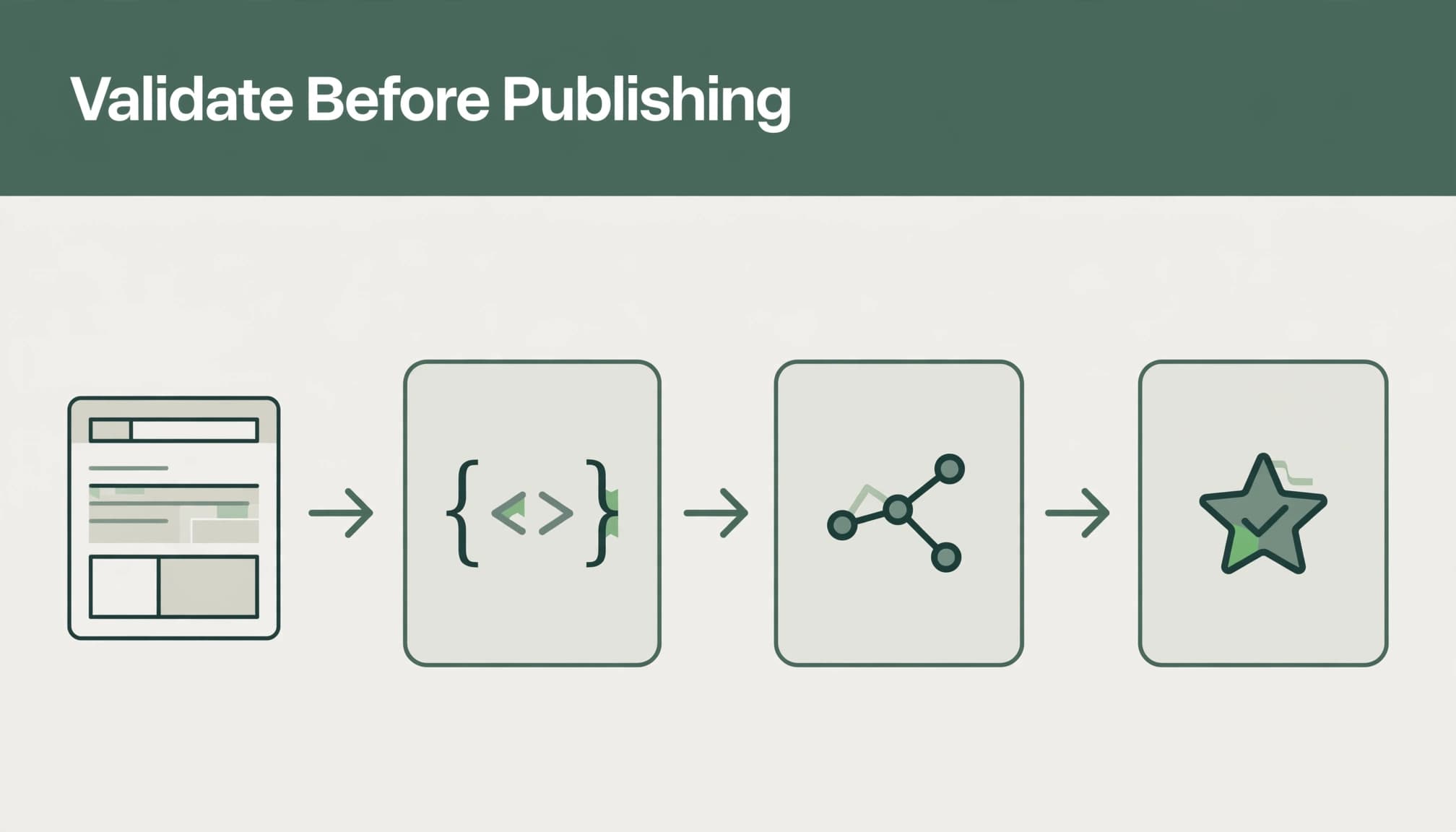
Compare the markup with the finished page.
Match names, headlines, dates, prices, availability, images, and review claims against visible information. Organization details should agree with About and contact pages. Google's
structured-data guidelines
require accurate, representative markup.
Paste the generated code into the Schema Markup Validator.
Inspect the detected types and relationships, rather than stopping at a clean summary. Remove invented fields and resolve parsing problems before deployment.
Run the code through the Rich Results Test.
Examine the intended supported feature, its detected items, and any reported issues. This separates general schema.org problems from Google's feature requirements.
Test the staging or deployed URL.
Inspect what the CMS delivers, including markup from themes, plugins, and tag managers. Compare the detected graph with the approved snippet.
Correct the underlying output and retest.
Update the source template, plugin setting, or data field. Then repeat both code and URL tests so the saved correction and delivered page agree.
For revisions, compare the old and new rendered pages side by side. A rewritten headline or removed FAQ can leave previously accurate markup behind.
Our guidance on testing AI rewrites for meaning drift addresses the same editorial risk: wording changes can alter facts and qualifications that machine-readable fields still repeat.
Read Errors and Recommendations in Context
Blocking issues and optional improvements differ
Validation tools separate failures from warnings and noncritical recommendations. Their labels depend on the test being performed.
A missing required property can prevent eligibility for a particular feature. A missing recommended property may leave an item eligible while reducing the information available.
Required properties vary by type. Google's Article documentation lists none, although accurate headline, author, and date information remains useful. Treating every omitted Article field as a blocking error creates unnecessary work.
Product features have different requirements. Google's product snippet guidance applies to that feature, not to all schema markup.
Nested objects need their own review
AI generators often mishandle nested entities. An author represented as an object should use an appropriate type, such as Person or Organization, with identifying information.
An article's publisher can also be an Organization. A FAQ's acceptedAnswer object uses Answer and needs answer text that matches the page.
Capitalizing a relationship doesn't create a schema.org type. author is a property; Author isn't the appropriate substitute for Person.
Editors should inspect each nested object and follow references expressed through @id. A graph can look complete while pointing to the wrong author or an outdated organization record.
When the Validator Finds No Structured Data
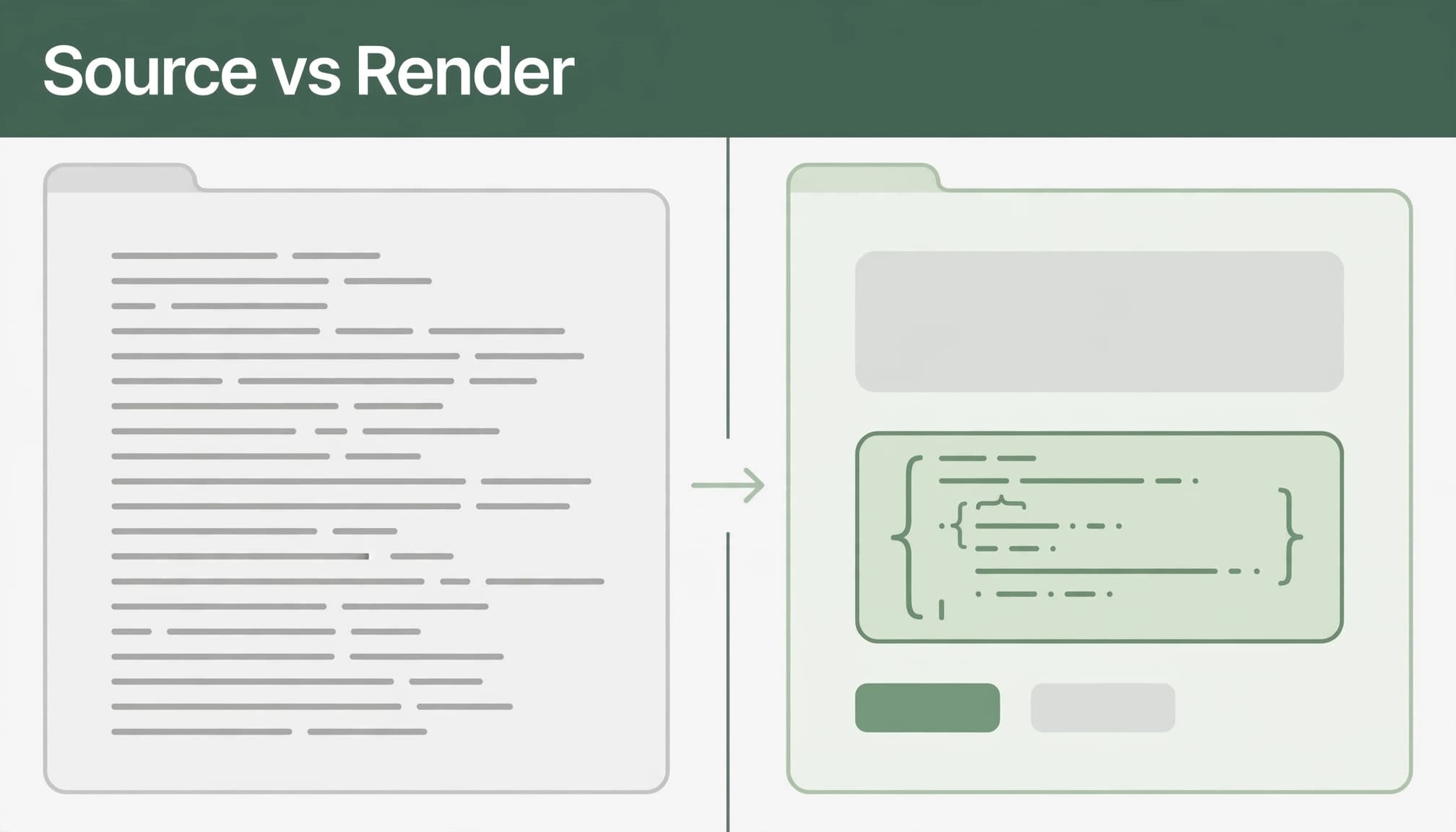
Compare source HTML with rendered HTML
The initial HTML response and the browser's rendered document can differ. JavaScript may add JSON-LD after the initial response arrives.
A missing structured data result calls for a rendering investigation, not an immediate conclusion that the markup doesn't exist. The schema markup validator's URL fetch checks the page it retrieves, but it shouldn't be treated as a browser-rendering test.
Inspect the initial source and rendered document separately. Then copy the complete rendered HTML into the Schema Markup Validator.
If the pasted version reveals entities absent from the URL test, investigate differences in fetching or rendering. If both versions contain the script but no entities appear, inspect how the markup is embedded.
Use Google's rendered view for search diagnosis
Google can process JSON-LD added to the rendered document. For JavaScript-generated markup, use Google's feature test for URL-based diagnosis.
URL Inspection helps examine Google's rendered output and distinguish live-page behavior from Google's indexed version. A new deployment can differ from the version Google last processed.
A passing pasted-code test confirms nothing about whether the CMS delivered that code to the tested URL.
Markup delivered in the initial response reduces dependence on client-side execution. Source placement alone doesn't establish crawl access, indexability, factual accuracy, or eligibility.
Retest Deployments and Representative Templates
Fixing one snippet doesn't prove the whole site works. Shared templates can repeat the same defect across many pages.
Screaming Frog's JavaScript-rendering mode can extract structured data available after rendering. Compare rendered and non-rendered crawls to spot deployment differences, not to confirm Google rich-result eligibility or factual accuracy.
For larger releases, test ordinary pages, sparse records, changed information, and unusual characters. Long names and missing source fields can expose failures that polished examples conceal.
Our programmatic SEO publishing checklist also covers canonicals, indexation directives, and source data that affect these releases.
After deployment, record the tested URL, template version, review date, and unresolved findings. Retest after theme, tag-manager, plugin, or source-data updates.
Content edits belong in that process too. A changed price or removed answer should update both the visible page and its markup.
Frequently Asked Questions
Can valid schema contain false information?
Yes. A validator can read an author name, rating, or price without confirming it's true.
Human review must compare those values with reliable source records and the rendered page. Invented FAQs, inflated ratings, and copied review claims remain publication failures even when the markup parses.
How can schema be added without coding?
Yoast SEO can generate structured data through its WordPress settings. Available schema controls depend on the content type and plugin version.
Google Data Highlighter is no longer available in Search Console. Any no-code output still needs review against the delivered page and its visible content.
Does passing validation guarantee rankings or AI citations?
No. Passing establishes only what the particular test assessed, and doesn't guarantee SEO rankings or AI citations.
Structured data doesn't create a special route into AI Overviews or AI Mode. Our explanation of structured data and AI search visibility separates machine-readable context from the evidence and usefulness the page itself must provide.
Publication Depends on the Delivered Page
Reliable schema markup validation combines automated parsing, feature-specific testing, and factual review. Each catches a different class of mistake.
The decisive comparison is between the approved information and the page actually delivered after rendering. When those agree, structured data provides a clearer account of the content, without promising a particular search appearance.